Mobile Signing
Aoexl now treats mobile signing as a separate UX from desktop editing.
Current Direction
- phones use a field-first signer shell
- tablets use a lighter document-first signing layout
- desktop keeps the fuller document view with helper controls
Phone UX
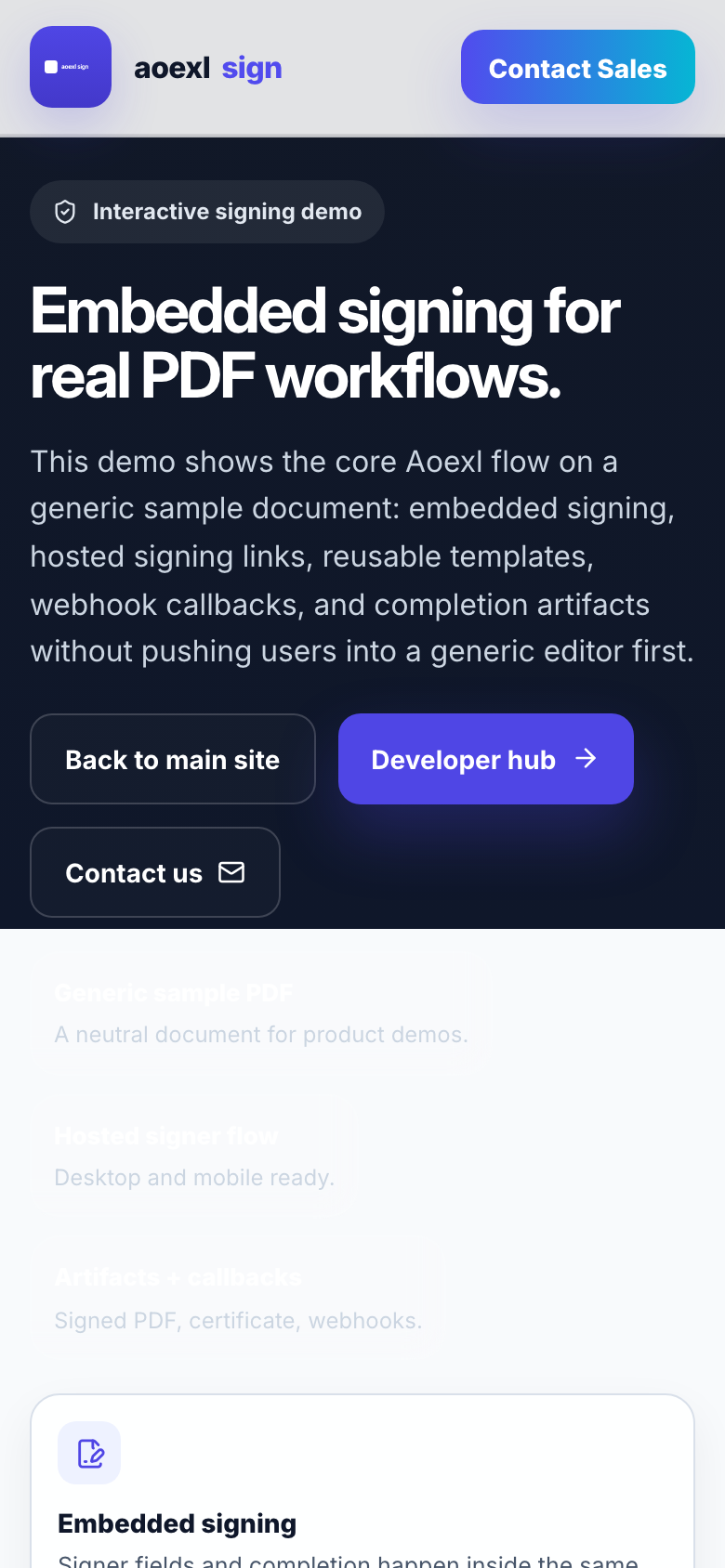
On narrow screens, signer mode should prioritize completion over document chrome.
Current mobile signing includes:
- bottom actions for
Pages,Next Field, andFields - compact signer toolbar
- full-screen or compact signature capture
- fit-page opening behavior
SDK Configuration
jsx
<AoexlViewer
  licenseKey="pk_live_your_key"
  pdfUrl="/Merchant.pdf"
  mode="sign"
  config={{
    enableSignatureIndicator: true,
    autoJumpNextSign: true,
    signatureIndicatorPosition: "bottom-right",
  }}
/>
Use autoJumpNextSign when each applied signature should move the signer to the next required signature field.
Known Expectations
- zoom should change in
5%increments on phones - side panels should not permanently reduce document width
- field outlines should be subtle, not dominant
- field text should shrink with the field box
Testing Checklist
Use these checks on real hardware:
- open a signer link
- confirm the document fits without desktop-style overflow
- tap
Next Field - open
Pages - open
Fields - draw a signature
- zoom in and out repeatedly
- rotate the phone if supported
Remaining Work
- final real-device validation on iPhone Safari and Android Chrome
- confirm compact flows for:
- opening a signer link
- next field navigation
- floating signature indicator vs side panel
- signature draw/apply
- zoom + horizontal pan after zoom
- submit/finish
- tighten any device-specific quirks found in that pass without changing the locked desktop baseline