Templates
Templates let teams prepare reusable signing layouts from source PDFs.
Current Flow
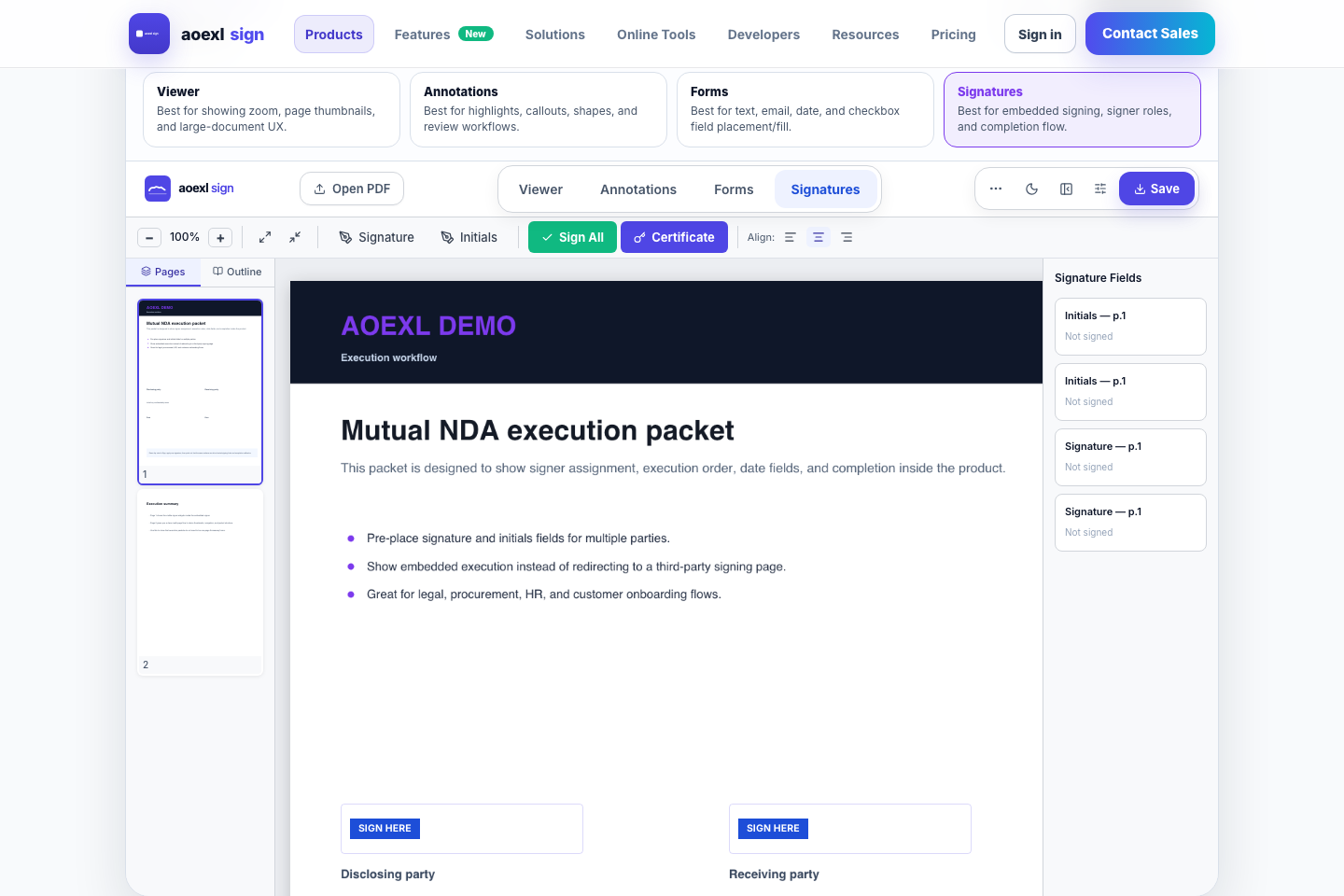
- Open the Templates area.
- Give the template a name.
- Upload a real PDF.
- Jump directly into Prepare.
- Place fields.
- Save the template from Prepare.
What Is Persisted
- template name
- description/category
- source PDF reference
- prepared fields
- signer configuration metadata
Template Send Payload
json
{
  "documentId": "template_doc_123",
  "documentName": "Merchant Onboarding.pdf",
  "sourceDocumentPath": "user_123/template_doc_123.pdf",
  "fields": [
    {
      "type": "signature",
      "page": 3,
      "x": 120,
      "y": 520,
      "width": 220,
      "height": 54,
      "signerEmail": "jane@example.com"
    }
  ],
  "signerName": "Jane Merchant",
  "signerEmail": "jane@example.com"
}
The important part is that the template send still carries a renderable sourceDocumentPath or sourcePdfUrl; field metadata alone is not enough for hosted signing.
Why This Matters
The product no longer forces teams into a vague “come back later” template flow. A template can start from the actual file and move directly into field placement.
Current Reuse Paths
- Use a saved template to reopen it in Prepare for field and signer edits.
- Use a send-ready saved template to jump straight into Send Flow.
- Archive older templates without deleting their original source document.
Current Gaps
- template analytics/usage history
- richer template gallery and categorization