Aoexl vs. iText Core: Complete Comparison for Enterprise Developers
Choosing a PDF SDK is a long-term decision that impacts your architecture, performance, and procurement complexity. For years, iText Core has been the standard for low-level PDF manipulation. However, as business needs shift toward broader document processing (OCR, multi-format conversion, and signing), modern platforms like Aoexl are gaining traction.
In this guide, we compare Aoexl and iText Core across features, developer experience, and total cost of ownership.
At a Glance: Key Differences
| Feature | iText Core | Aoexl SDK |
|---|---|---|
| Core Philosophy | Granular PDF Library | All-in-one Document Platform |
| Licensing | Complex (Dual / AGPL / Add-ons) | Unified / Enterprise |
| OCR | Separate Add-on (pdfOCR) | Built-in |
| Office-to-PDF | Requires 3rd Party Tools | Built-in (Word, Excel, etc.) |
| Digital Signing | Low-level Implementation | High-level, Ready-to-Use UI |
| Data Extraction | Custom Parsing Required | AI-Powered Smart Extraction |
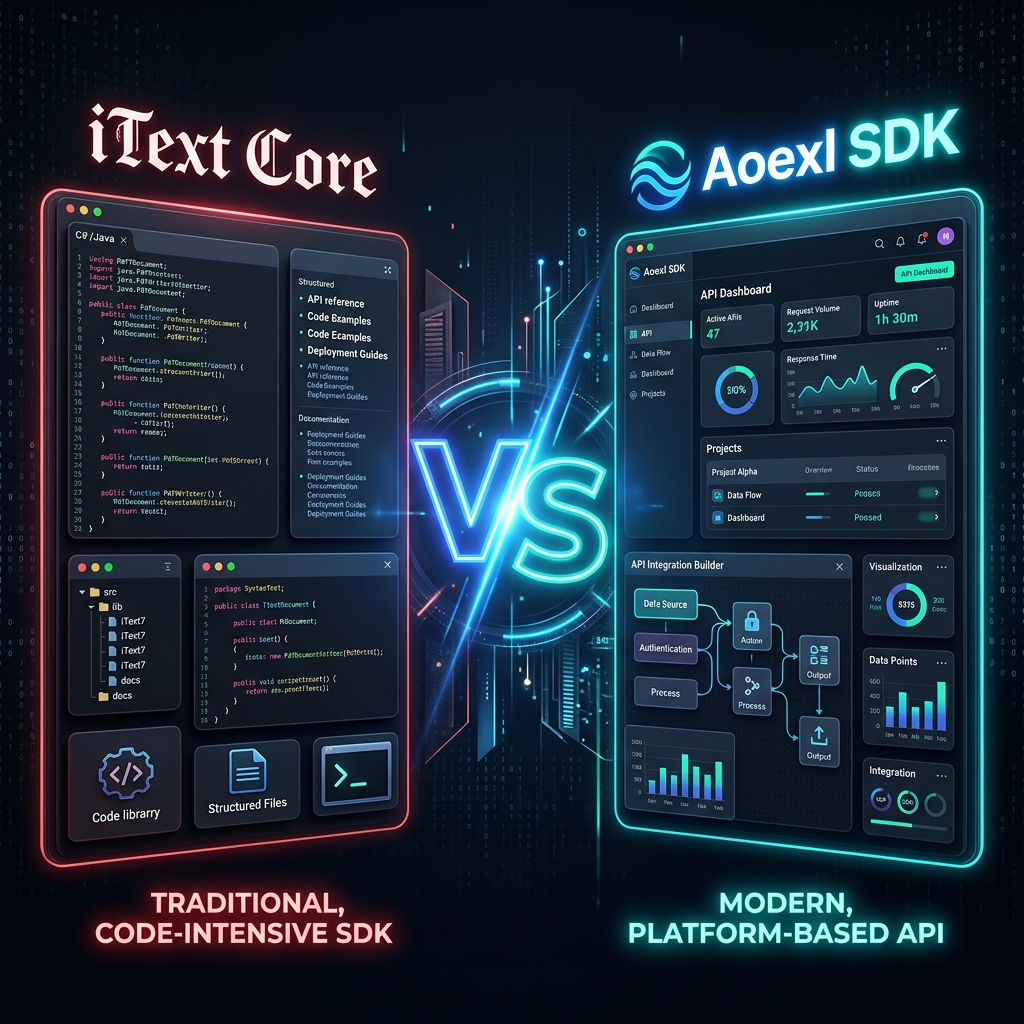
1. Feature Depth vs. Platform Breadth
iText Core
iText is famous for its granular control. If you need to manually construct a PDF at the byte level or handle edge-case PDF standards, iText is exceptionally powerful. However, it is strictly a PDF library. If you need to process a Word document or perform OCR on a scanned image, you must purchase and integrate separate add-ons or third-party libraries.
Aoexl SDK
Aoexl is a Document Platform. It is designed to handle the entire lifecycle of a document, regardless of the source format.
- OCR included: No need for a separate pdfOCR license.
- Multi-Format native: Convert Word, HTML, and Images to PDF using the same core engine.
- Smart Extraction: Built-in logic to extract fields, tables, and signatures without writing custom loop-based parsers.
2. Developer Experience
iText Core Example (Merge PDFs)
iText uses a utility-based approach. You manage readers and writers manually.
using iText.Kernel.Pdf;
using iText.Kernel.Utils;

PdfDocument pdfDoc = new PdfDocument(new PdfWriter("merged.pdf"));
PdfMerger merger = new PdfMerger(pdfDoc);

PdfDocument firstDoc = new PdfDocument(new PdfReader("doc1.pdf"));
merger.Merge(firstDoc, 1, firstDoc.GetNumberOfPages());
firstDoc.Close();

pdfDoc.Close();
Aoexl SDK Example (Merge PDFs)
Aoexl simplifies the process into a single, high-level command.
using Aoexl.SDK;

// Merge directly from file paths or streams
AoexlDocument.Merge(
    new[] { "doc1.pdf", "doc2.docx", "image.jpg" },
    "combined_output.pdf"
);
Note: Aoexl handles the conversion of non-PDF types automatically during the merge.
3. Licensing and Total Cost of Ownership (TCO)
The "Hidden" Costs of iText
iText Core uses a modular pricing model. While the base seat might seem competitive, professional features are sold as "Add-ons":
- pdfHTML (for HTML conversion)
- pdfOCR (for scanned docs)
- pdfSweep (for redaction)
- pdfCalligraph (for global fonts)
This results in "License Bloat," where procurement and legal teams must track multiple agreements and renewals.
The Aoexl Efficiency
Aoexl offers a unified license that includes the core engine, OCR, and conversion capabilities. This reduces the time spent on procurement and prevents technical debt caused by integrating disparate libraries from different vendors.
When to Choose Which?
Choose iText Core if:
- You are working on an open-source project (AGPLv3).
- You need extreme, low-level control over specific, obscure PDF specifications.
- You only ever process digital PDFs and never need OCR or Office conversion.
Choose Aoexl if:
- You want to ship to production faster with a modern API.
- You need a single vendor for OCR, Conversion, Signing, and Viewing.
- You are building a SaaS app that requires high-level signing UI and reliable multi-format support.