PDF.js vs. Aoexl: Why Enterprises are Switching to Professional PDF SDKs
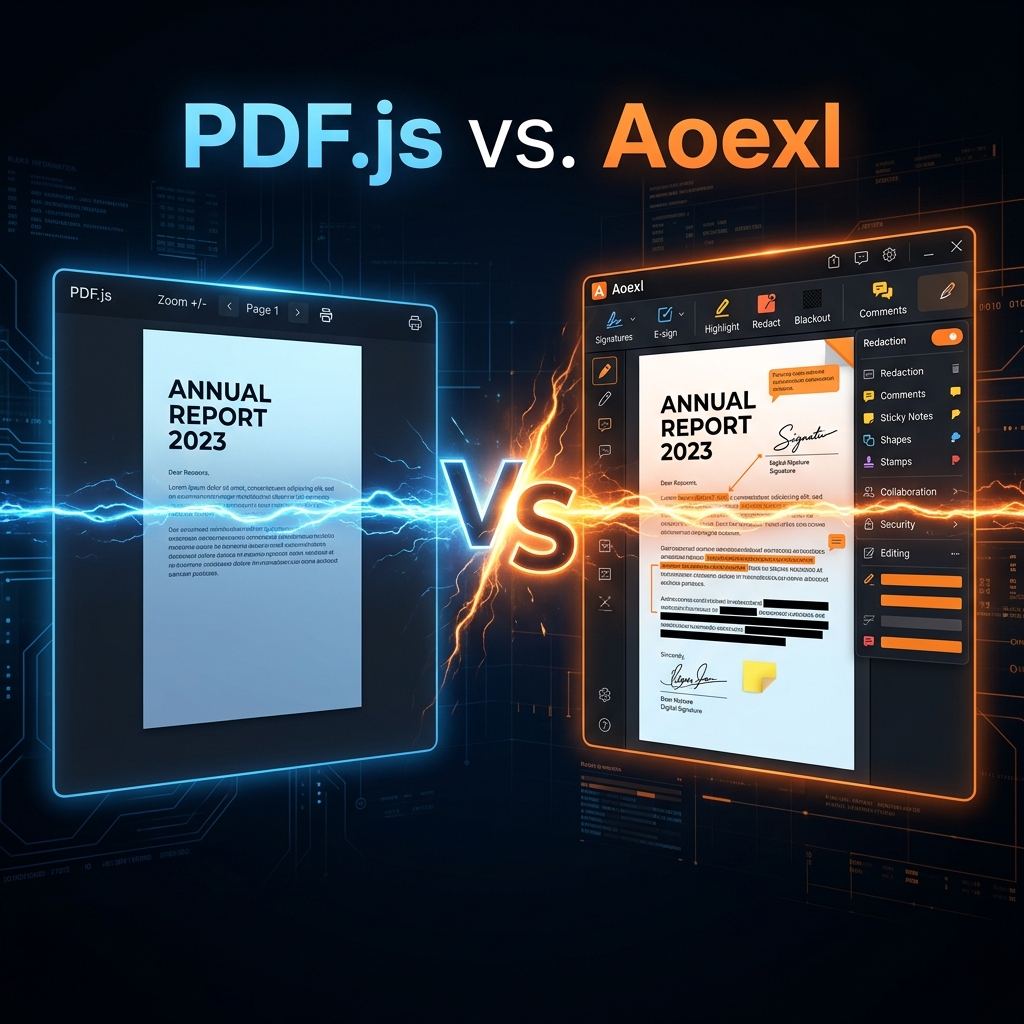
When building a web application that handles PDF documents, the most common first choice is PDF.js. As Mozilla's open-source rendering engine, it's free and capable of basic viewing. However, as applications scale and enter production, many developers find that "basic" is no longer enough.
In this guide, we compare PDF.js with the Aoexl SDK to help you decide which is right for your project.
At a Glance: The Short Version
- Choose PDF.js if: You only need to display static PDFs, you have a limited budget, and you don't mind building UI and extra features from scratch.
- Choose Aoexl if: You need production-grade performance, interactive forms, digital signatures, redaction, or dedicated support.
1. Performance and Scale
PDF.js renders everything on the client side using the HTML5 <canvas>. For small documents, this works fine. However, with massive engineering drawings or 100+ page contracts, the browser's main thread can block, leading to "stuck" scrolling or even browser crashes.
Aoexl uses a hybrid rendering architecture. By offloading heavy processing to optimized WebAssembly or server-side components, it maintains a smooth 60fps experience even for the most complex enterprise documents.
2. Professional Feature Set
PDF.js is a rendering engine, not a full-featured SDK. If you want to build a professional experience, you'll have to build almost everything yourself.
| Feature | PDF.js | Aoexl SDK |
|---|---|---|
| Viewing | ✅ Basic | ✅ High-Fidelity |
| Annotations | ❌ None (build yourself) | ✅ 15+ Types Included |
| Form Filling | ❌ Limited | ✅ Full Support & Validation |
| Digital Signatures | ❌ No | ✅ PKCS#7 / PAdES Support |
| Redaction | ❌ No | ✅ AI-Powered & Audit-Safe |
| Mobile UX | ⚠️ Basic touch | ✅ Mobile-First Design |
3. Security and Compliance
For enterprise apps, security isn't optional. PDF.js doesn't provide built-in access controls, document encryption, or audit trails.
Aoexl is built for regulated industries (Finance, Healthcare, Legal). It includes comprehensive security features like:
- Client-side encryption.
- Secure redaction (permanent removal, not just black boxes).
- ISO-compliant digital signatures.
- Full HIPAA/GDPR readiness.
4. Developer Experience (DX)
Integrating PDF.js often involves dealing with unstable APIs and managing workers manually. Documentation is community-driven and can be sparse.
Aoexl provides a polished DX with:
- TypeScript definitions out of the box.
- Framework wrappers for React, Vue, and Angular.
- Extensive, versioned documentation and live demos.
- Guaranteed SLAs and dedicated technical support.
Conclusion: Which one should you pick?
If you are building a hobby project or a simple reader, PDF.js is an excellent and cost-effective choice.
But if your application is a core part of a business workflow—where document integrity, user experience, and security are paramount—switching to a professional solution like Aoexl will save you months of development time and provide a significantly better experience for your users.